Private test · by invitation
Explainer videos with a presenter who points at what matters
Upload your study material. The engine plans a series, writes and draws every video, voices it and publishes it on your schedule. You approve the plan, the draft and the release.
- 9:16 · 1080×1920
- 27 element types
- Captions word by word
- YouTube · Instagram · TikTok
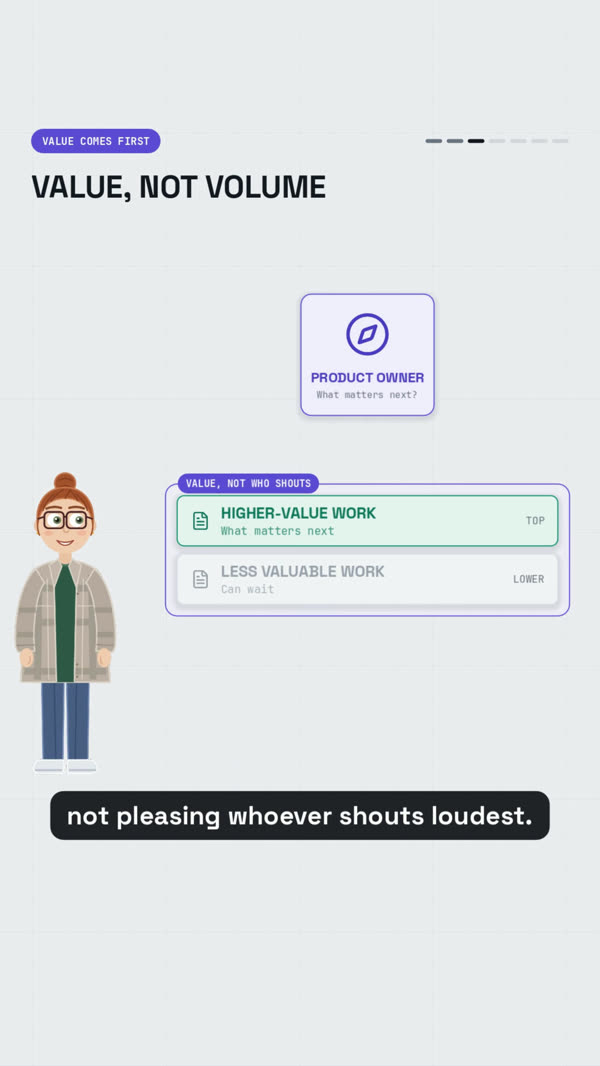
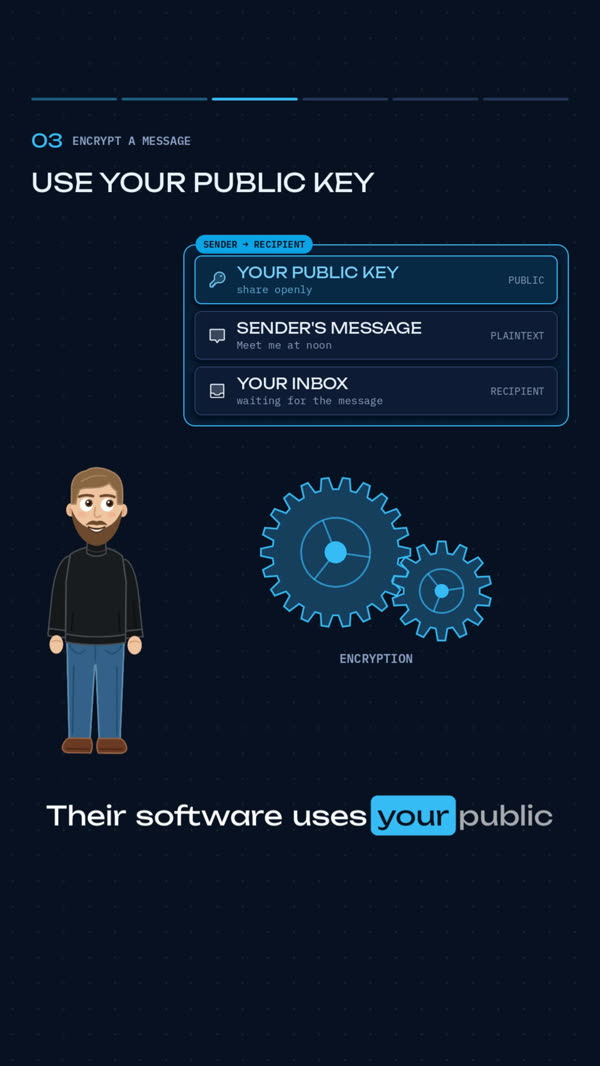
The presenter explains, looks at the diagram and raises a pointer on the key word.
01 The presenter
Someone on screen who explains
Every video has a drawn presenter. They look at what is happening, point at it on the key word, and step forward for the question or the takeaway. The viewer always knows where to look.
- Camera
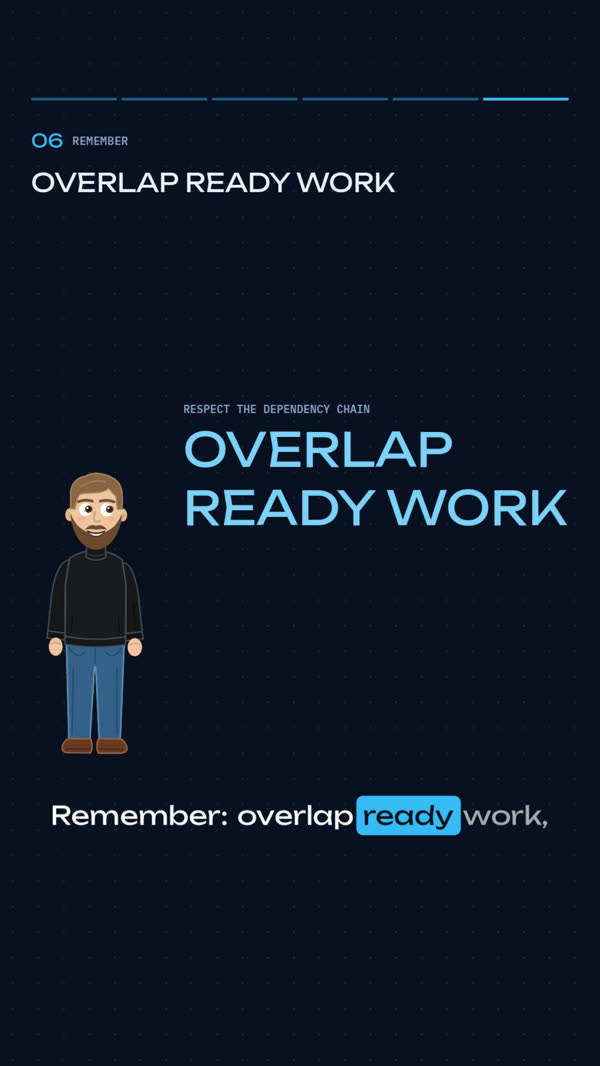
Looks where the story is
The presenter's eyes follow the active element. The camera cuts to them for a question, a new chapter, a takeaway or a joke, then back to the content.
- Point
Points at what matters
On the most important word the presenter raises a pointer at the element being explained.
- Photo
Drawn from a photo
A photo becomes a presenter drawn in your channel's style, checked on a sheet before the first video.
- Cast
More than one presenter
Regular and guest presenters, each with their own voice. A series picks its cast, and one presenter can hand a video over to another.
- Beta
Presenters talk to each other*
Two presenters in one frame, a dialogue in two voices, each pointing at their part.
* In beta. Dialogue between presenters is being finished. Today a video can open with a short scene where one presenter hands over to another.
02 How a series is made
From material to schedule
The engine does the long work. You decide at three points, and nothing moves past them without you.
- 01YOU
Upload
Add your study material as text or Markdown.
- 02ENGINEYOU APPROVE
Plan
The writer splits it into episodes with briefs and release dates. You approve the plan or ask for changes.
- 03ENGINE
Write and draw
Script, storyboard, captions and publication text, checked automatically before anything is drawn.
- 04ENGINEYOU APPROVE
Draft
A full video with a free draft voice, sent to your phone. Approve it or ask for changes.
- 05ENGINEYOU APPROVE
Final
The premium voice, the final render and an automatic check. You approve the release.
- 06ENGINE
Publish
Out on its date: YouTube and Instagram at the slot, TikTok to your inbox to post.
Nothing paid runs before you approve the draft. Nothing goes out before you approve the release.
03 What goes in a video
Diagrams, code, live models
The storyboard picks from 27 element types. Each one moves on the spoken word, and a second render of the same video comes out identical to the first. Every frame below is from a published video, unedited.
rowdatabasenotestatbarsgridtextglyphdevicelogoslayerswavepipelinelanesarraygraphscalechart
Pick a highlighted type to find it in the frames. Tap a frame to see it large.
memorypaneltimelinepanelpartgroupgearsgroupcardlistmetermemoryscoreboard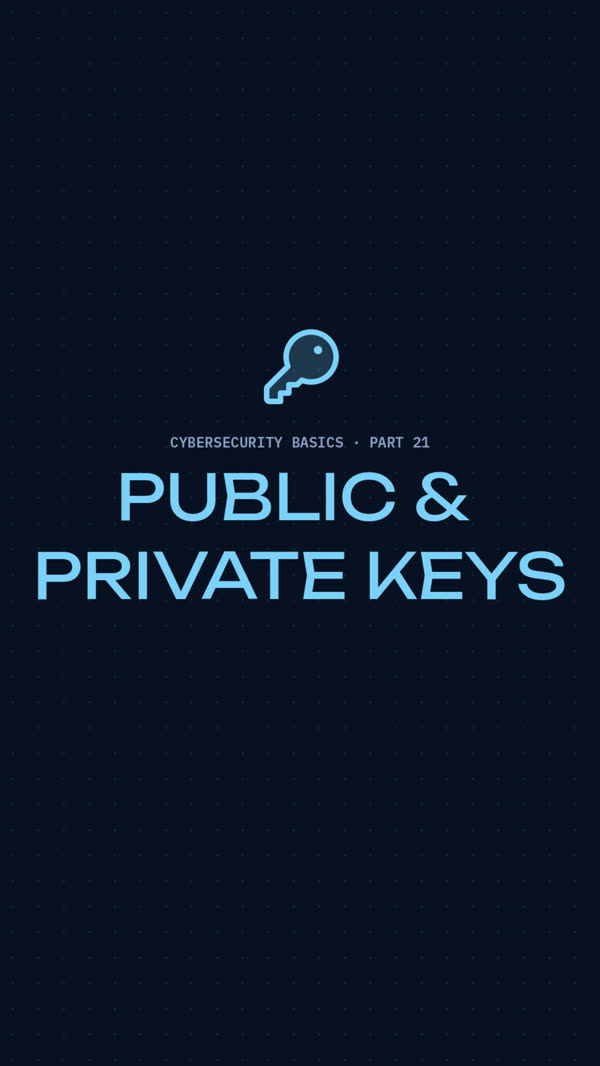
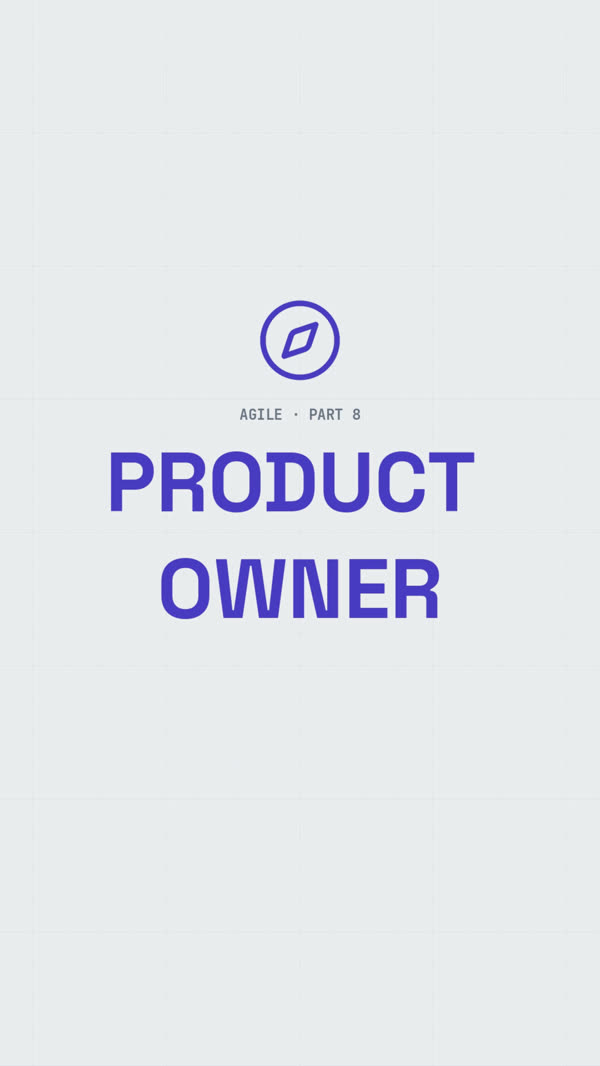
Night and light
Two themes, each with its own fonts, header and caption style. A channel keeps a dictionary of its icons, so the same idea is drawn the same way in every video.
04 Everything else
What comes with every video
Picture
A camera that edits itself
Close-up on the presenter, the content full screen, or the whole frame, chosen for every beat.
Infographic or live model
Explain with diagrams and a presenter, or build each chapter around a live model.
Consistent icons
Your channel keeps a dictionary of icons. A missing one is found and added to your set.
Clear of the platform buttons
Content and captions stay above the buttons at the bottom of the screen.
Voice and sound
A voice for each presenter
Every presenter speaks with their own voice and pace.
Captions word by word
Drawn into the frame and timed to the voice, with a subtitle file alongside.
Sound on every cue
Each appearance and change has its sound, mixed under the narration.
Change a picture, keep the voice
The voice is saved piece by piece, so a visual edit never pays for the same voice twice.
Workflow
Changes in plain words
Comment on a plan or a draft. The engine reworks it and keeps the earlier version.
Checked before you see it
Storyboards are checked against the rules before drawing, finished videos before they reach you.
The same render every time
Render a video twice and get the same frames, bit for bit.
Publishing
A release calendar
Cadence, release time and time zone for each channel, daylight saving included.
Uploaded ahead
YouTube gets the video early as private and makes it public on its slot.
Titles and descriptions
Every video comes with its title, description and caption.
05 Where you run it
Browser, assistant, phone
In the browser
Your videos, approvals and new series, from any computer.
With your AI assistant
Connect it over MCP and run the same steps in a conversation. Paid and public steps still ask you first.
On your phone
Telegram tells you when a draft is ready, with a copy to watch, when something fails and when a video goes out.
Made with it
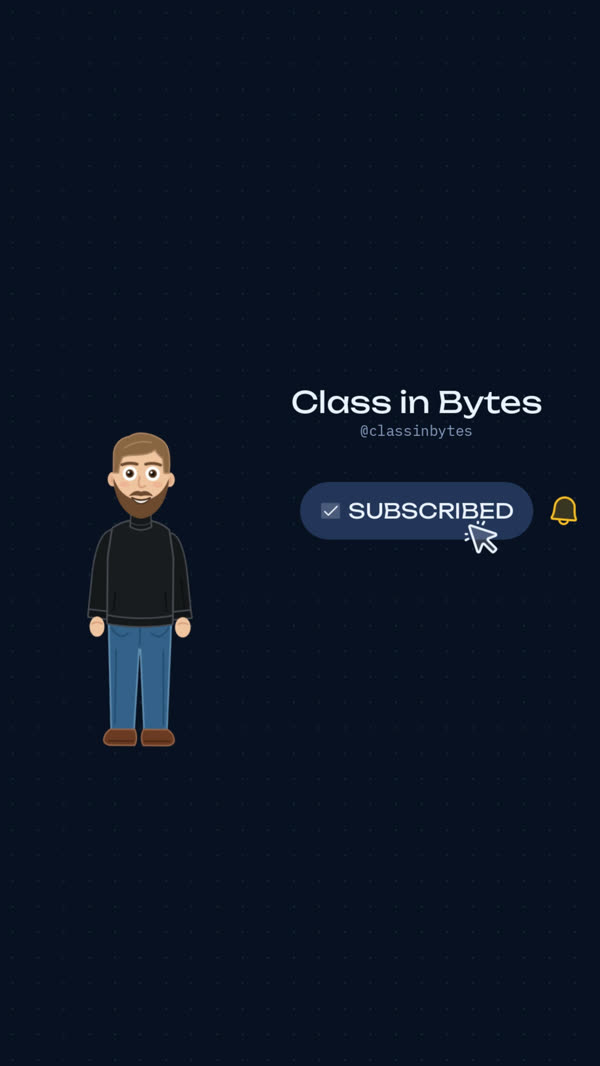
Class in Bytes
A channel of short lessons on computing, written, drawn and published by the engine.
- Cybersecurity basics 22 / 24
- Agile 9 / 24
- High-Performance Computer Systems 4 / 16
- as of 24 Oct 2026
06 Contact
Request access
The engine is in a private test. Tell us about your channel or course and what you want to teach.